Lab Overview
- Run PAM SaaS LAB Scripts
- Update mobile/cell and email for the acme lab users
- Set Time Zone and Region
- Get Egress Public IP Address
PAM SaaS LAB Scripts
Run the PAM SaaS LAB Scripts icon found on the desktop of WIN11WS.
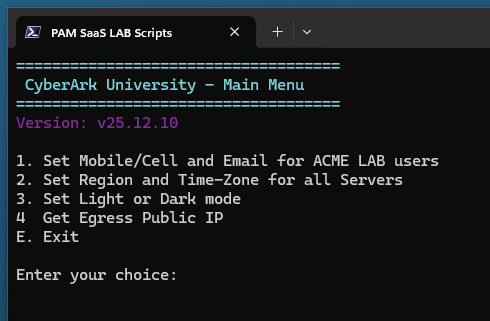
Set Mobile/Cell and Email for ACME LAB Users
Select option 1 to configure your personal phone/email for all the acme lab users.
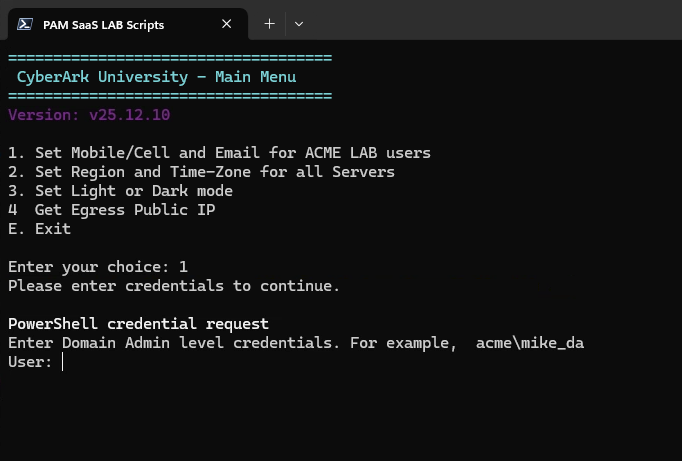
Set Time-Zone and Region
Select option 2 to set your time-zone and region.
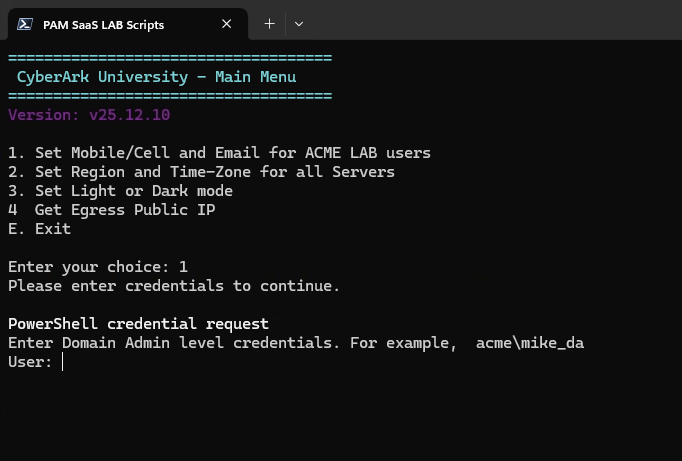
Set Light or Dark mode
Run option 3 to set light or dark mode.
Get Egress Public IP
Select option 4 to get your public IP, you will need this in the next exercise.